



The patient's anatomy, in the field of view
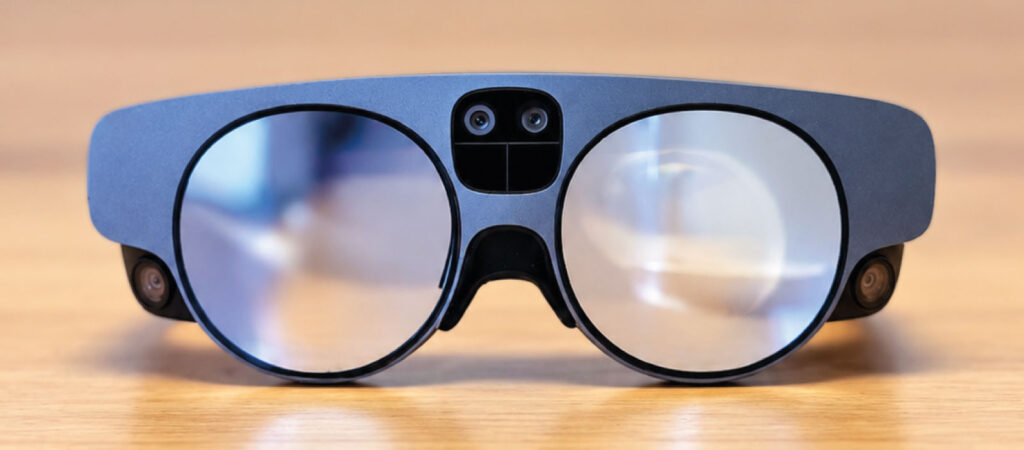
LuSee displays the patient's anatomy and the treatment plan right where the practitioner is already looking. Today, we make 3D information visible; tomorrow, we are heading toward surgical navigation.
* Dental surgeons surveyed by Augmenteeth.
What LuSee changes for the practitioner
See
The patient's anatomy in 3D, in the practitioner's field of view. No remote screen.
Understand
The relevant structures and the treatment plan stay readable, at the right moment.
Act
The practitioner keeps their eyes on the patient, from the first gesture to the last.
From patient assessment to reporting, in five steps
LuSee fits into your usual clinical workflow. Your tools stay the same.
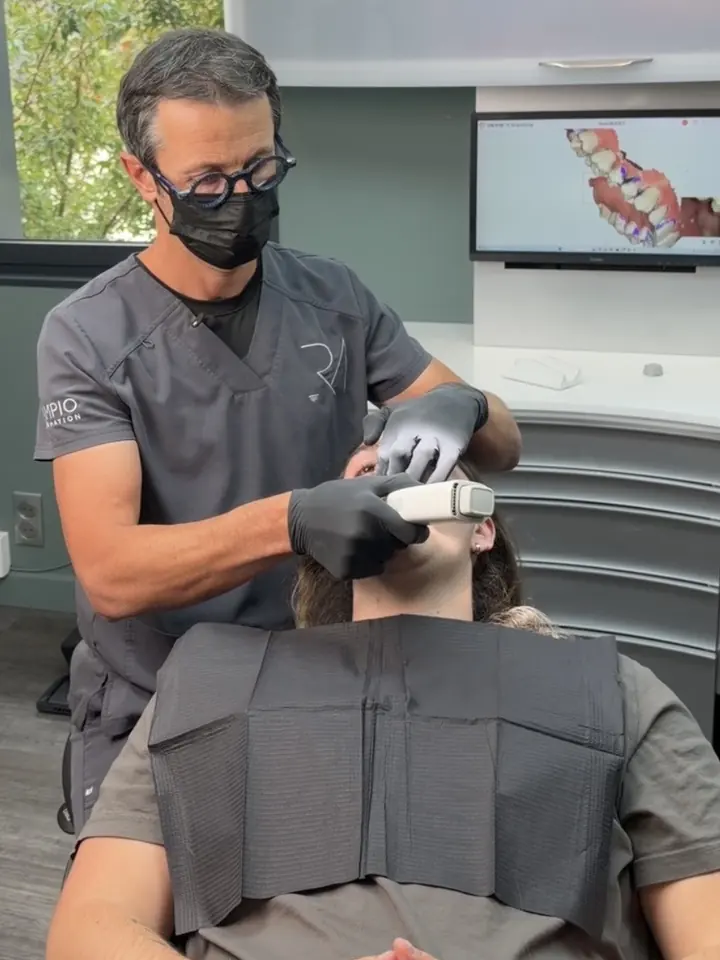
Start with your usual clinical workflow.
Patient assessment & imaging
- Clinical examination
- CBCT imaging
- Intraoral scanning (IOS)
Collect the clinical and imaging data needed for treatment planning.
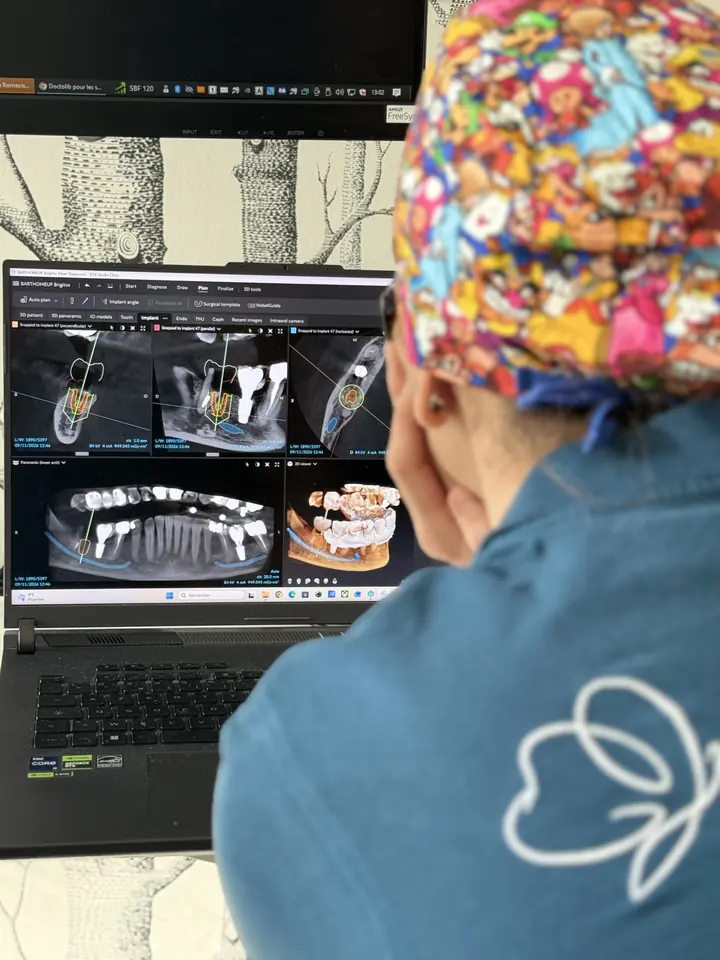
Plan your case using compatible dental planning software.
Treatment planning
- Review the CBCT-derived 3D anatomy
- Define your treatment plan
- Export the planned case to LuSee
Currently integrated with DTX Studio. More integrations in development.
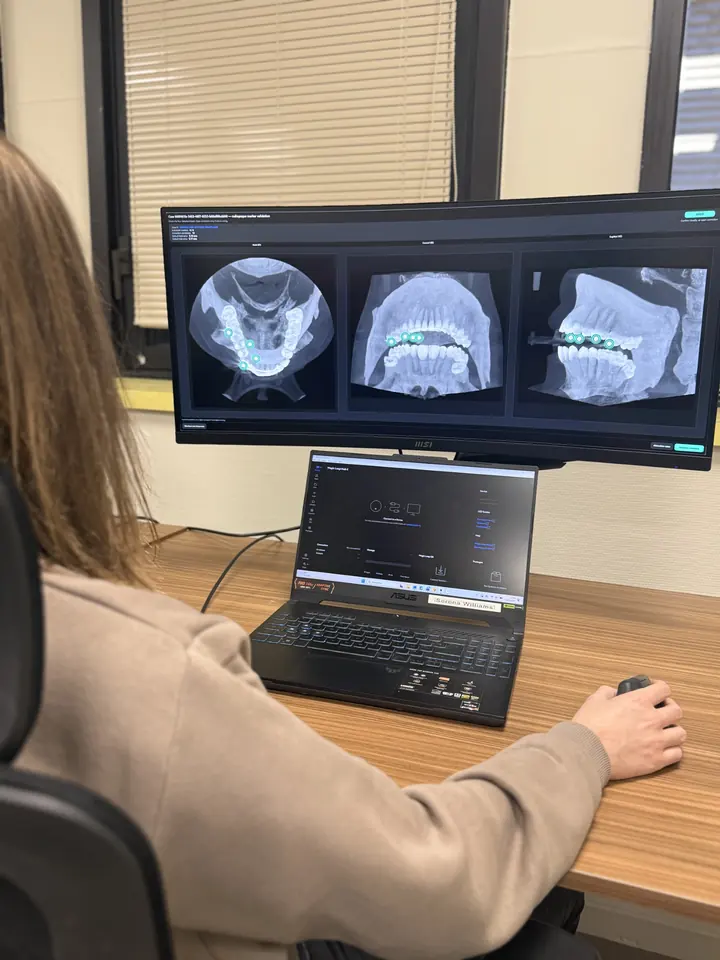
Bring your treatment plan into LuSee.
LuSee setup
- Import the planned case
- Set up the headset and patient reference system
- Align the 3D anatomy with the patient
Your treatment plan, ready for intraoperative visualization.
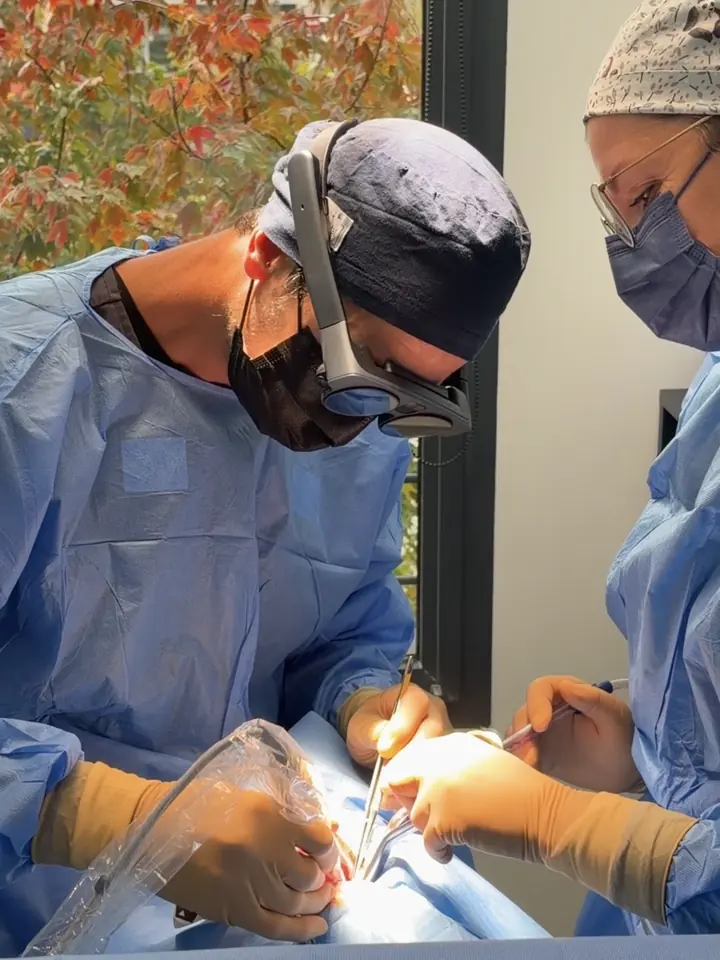
Your treatment plan, right where you operate.
Surgical visualization
During surgery, LuSee displays CBCT-derived 3D anatomy and the preoperative treatment plan, overlaid directly onto the patient within the clinician's field of view.
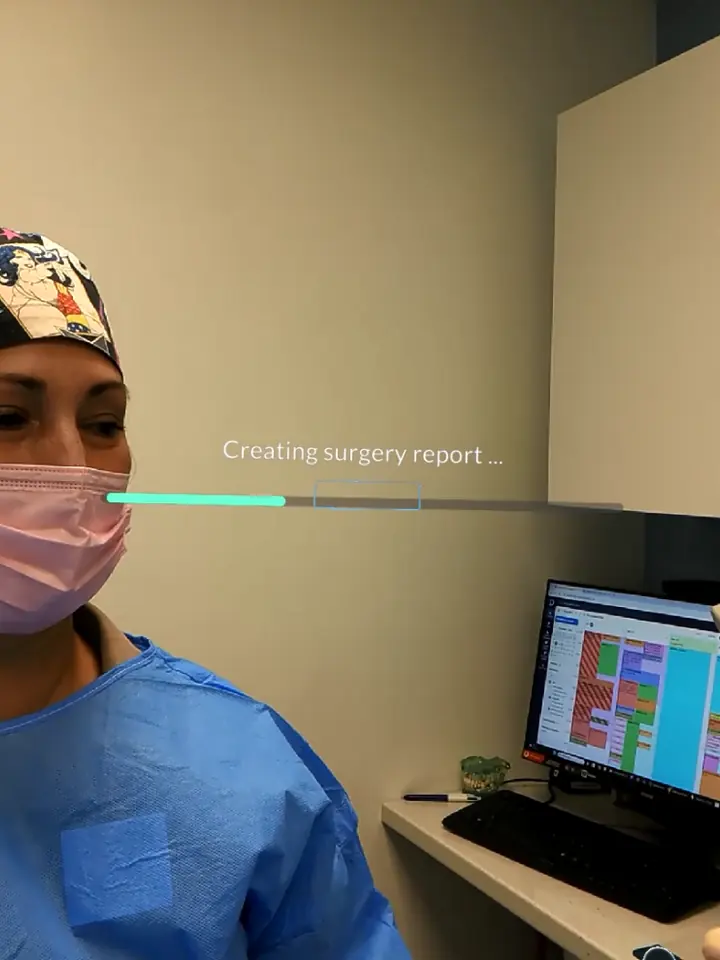
Review and document the procedure.
Postoperative documentation
- Procedure documentation
- Videos and screenshots
- Surgical report preparation
Keep a visual record of the procedure for postoperative review.
Visualization today, navigation tomorrow
LuSee Visualization
The patient's 3D information, visible in the practitioner's field of view. Class I medical device.
LuSee Navigation
Surgical navigation: supporting the gesture in real time. In development with our partner laboratories.
What practitioners ask us
What is LuSee?
Do I need to change my planning software?
Is LuSee available to practitioners?
Is LuSee a medical device?
Take your place in the first wave
Demonstration, access conditions, questions: we reply within two business days.
3 rue de l'Industrie, 25480 Pirey · contact@augmenteeth.com

Meet us at the ADF Congress, alongside DEXIS
Booth 1M20November 24 to 28, 2026Palais des Congrès, Paris